How to Contact PersonaFix Support
To contact support, open the Support page from the Contact link in the footer. Without an account, use the form: a person reads it and replies to your email address by hand. Signed in, you can file a tracked ticket and keep the whole reply thread with your account. If someone made a persona of you, the Is this you? form on the same page needs no account.
6 stepsUpdated
Screenshots show an example account. Prices are blurred because the example numbers are not real prices.
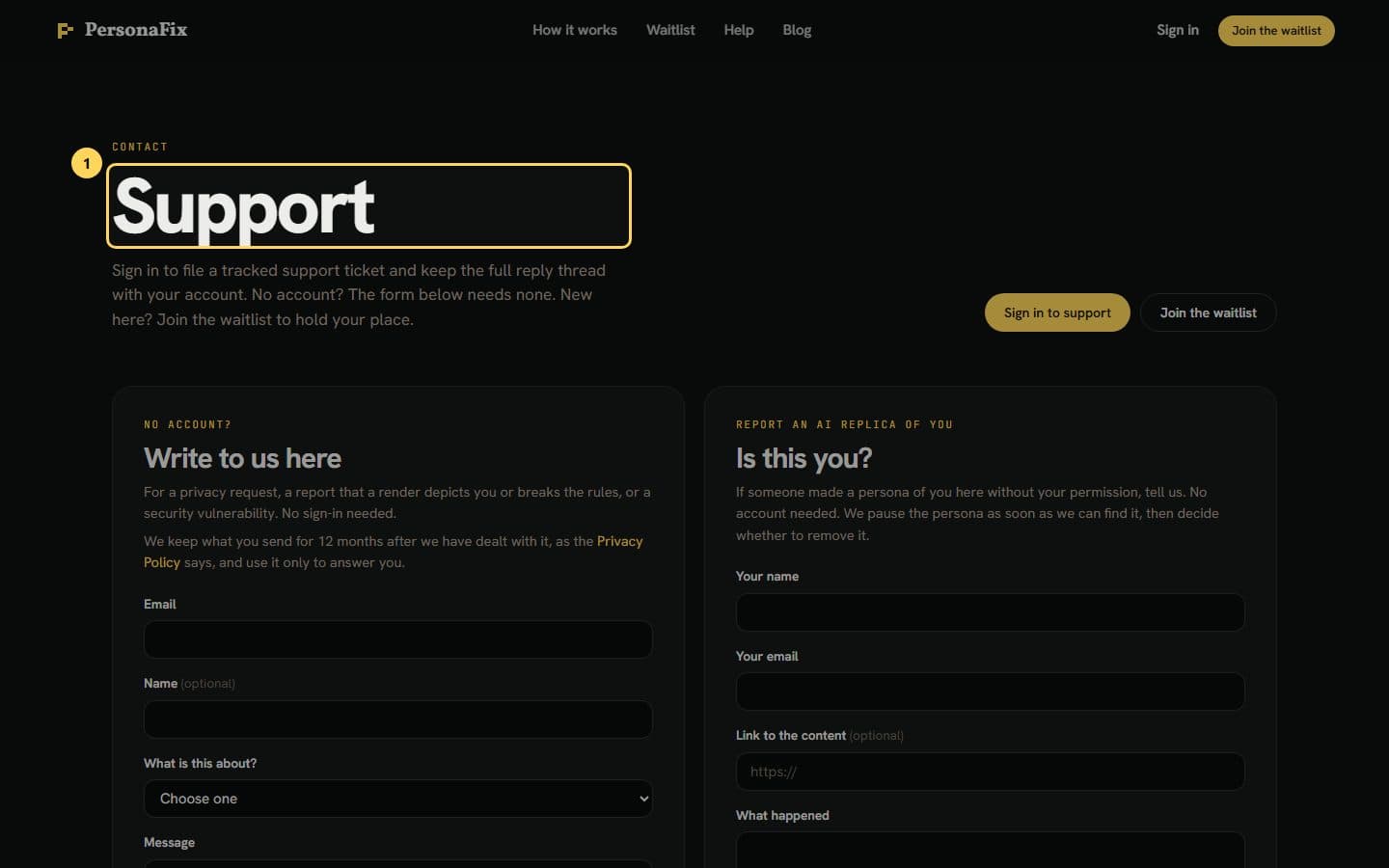
Step 1: Open the Support page
Click Contact in the footer of any public page. The Support page offers sign-in for tracked tickets and a form for everyone else.
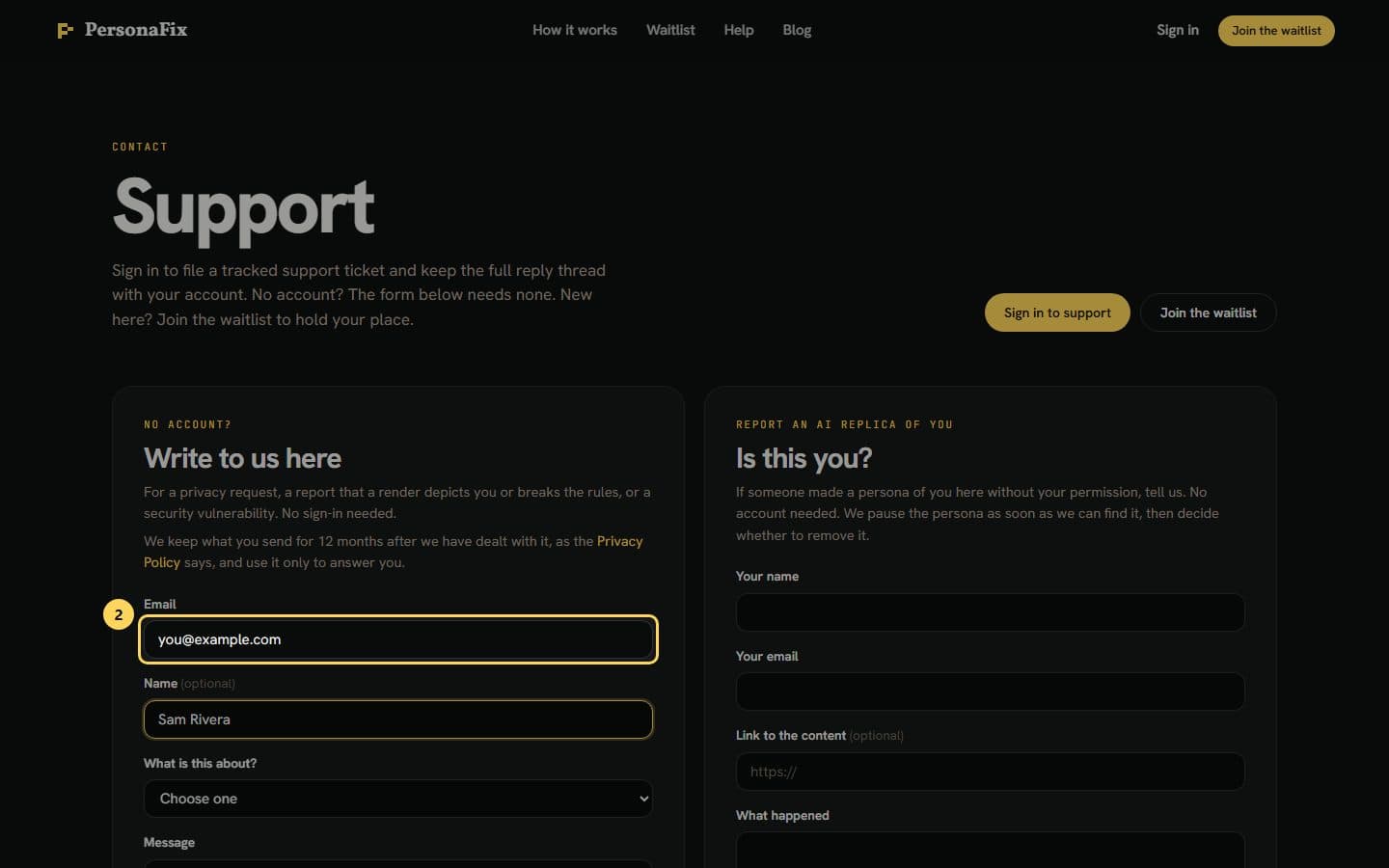
Step 2: Add your email and name
No account? Use the form. Type the email address you want the answer sent to. Your name is optional.
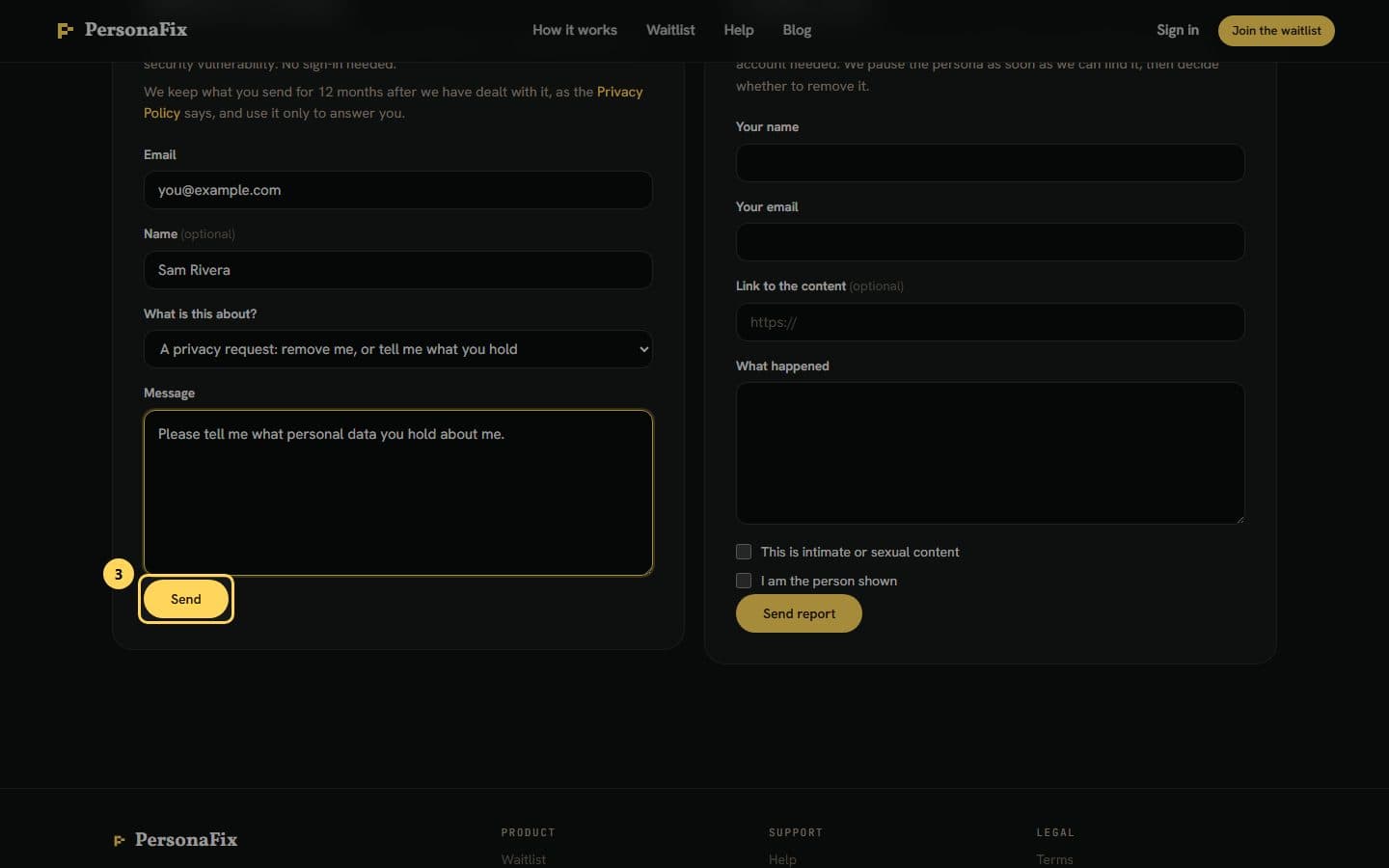
Step 3: Pick a topic, write, and press Send
Choose a topic, such as a privacy request or a report. Write your message and press Send. A person reads it and replies to that address by hand.
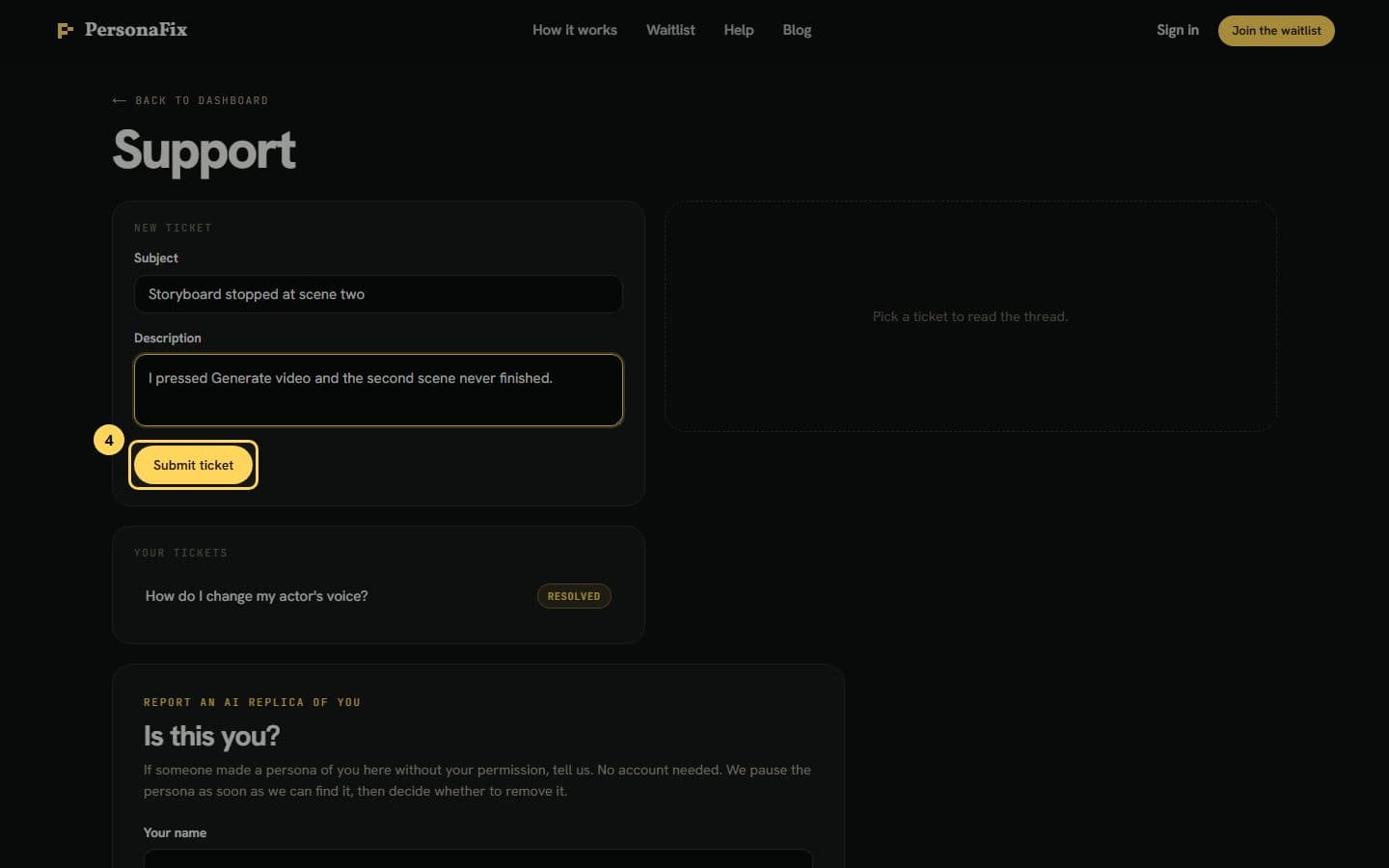
Step 4: Sign in for a tracked ticket
Signed in, you get a ticket form instead. Give it a subject, describe what happened, and press Submit ticket.
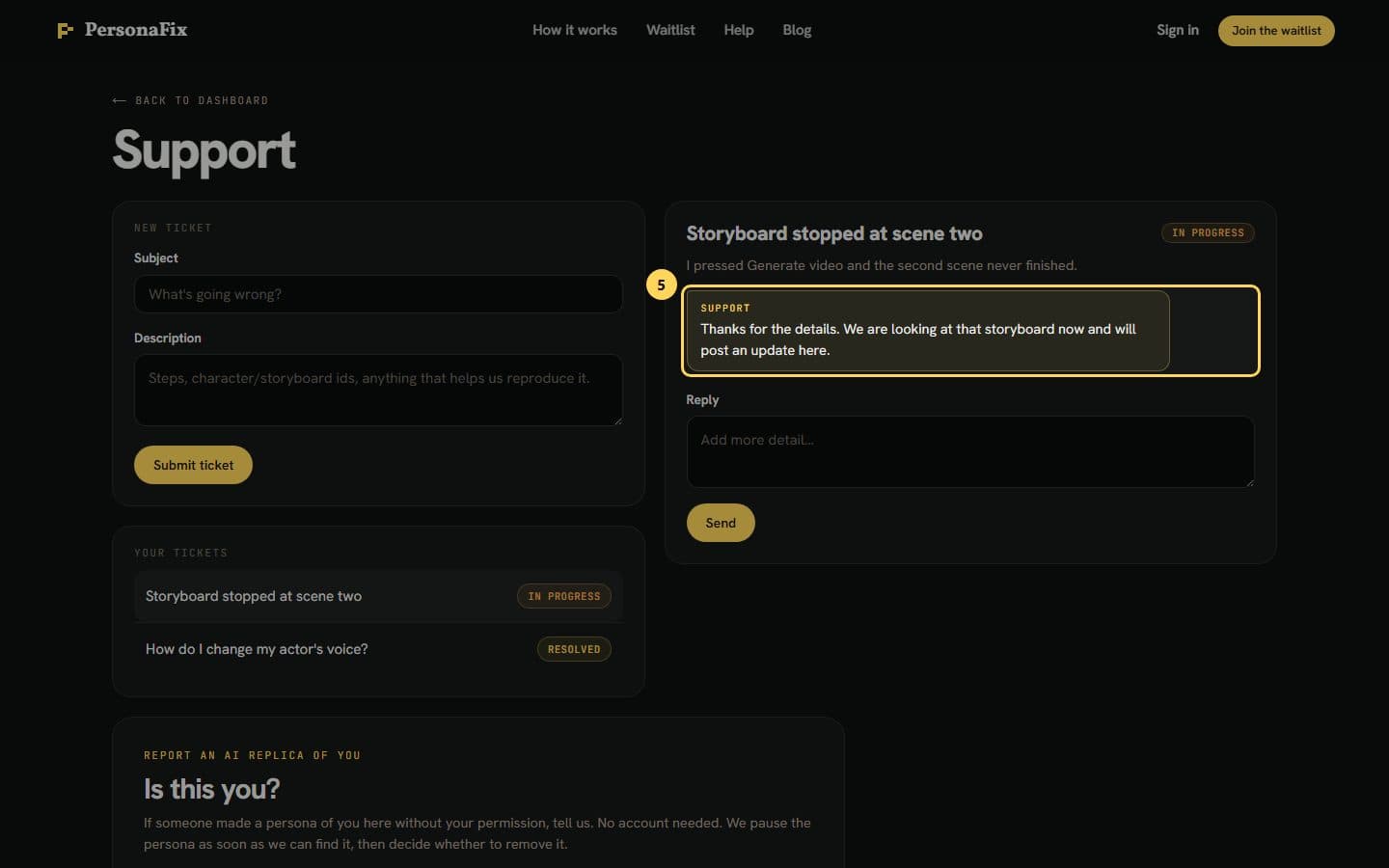
Step 5: Check back for replies
Your tickets are listed with their status. We do not email you when we reply, so check back here. Open a ticket to read the replies and answer.
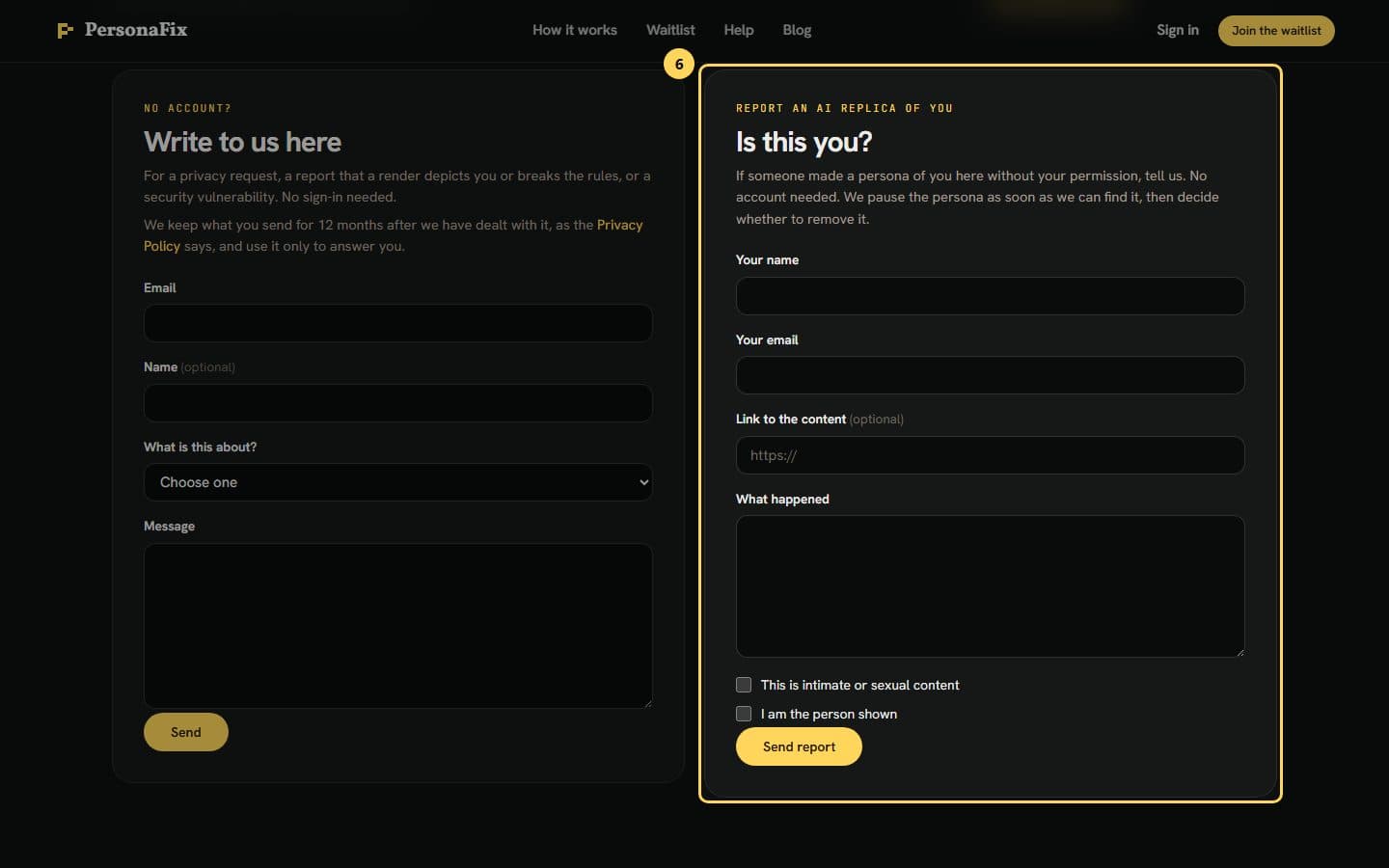
Step 6: Report a persona made of you
Someone made a persona of you? Use the Is this you? form at the bottom of the page. No account needed. We pause that persona once we find it.
If something goes wrong
- The form did not send.
- Check your connection and press Send again. What you typed stays in the form.
- A render breaks the rules.
- Choose the report option in the contact form. You do not need an account to send it. If it shows you, the Is this you? form also pauses the persona.
- A generation failed or my credits look wrong.
- Sign in and file a ticket with the date and the work affected.
Still stuck? Contact support.