How to Use Your Own Photos and Clips in an AI Video
You can show the director your own photos and video clips. Attach them in a storyboard's chat and say what each is for: an outfit, a background, a camera move to copy, a clip to put your actor into, or a clip to extend. The chat decides how to use each file and tells you. Anything that renders is priced first, like any other scene.
4 stepsUpdated
Screenshots show an example account. Prices are blurred because the example numbers are not real prices.
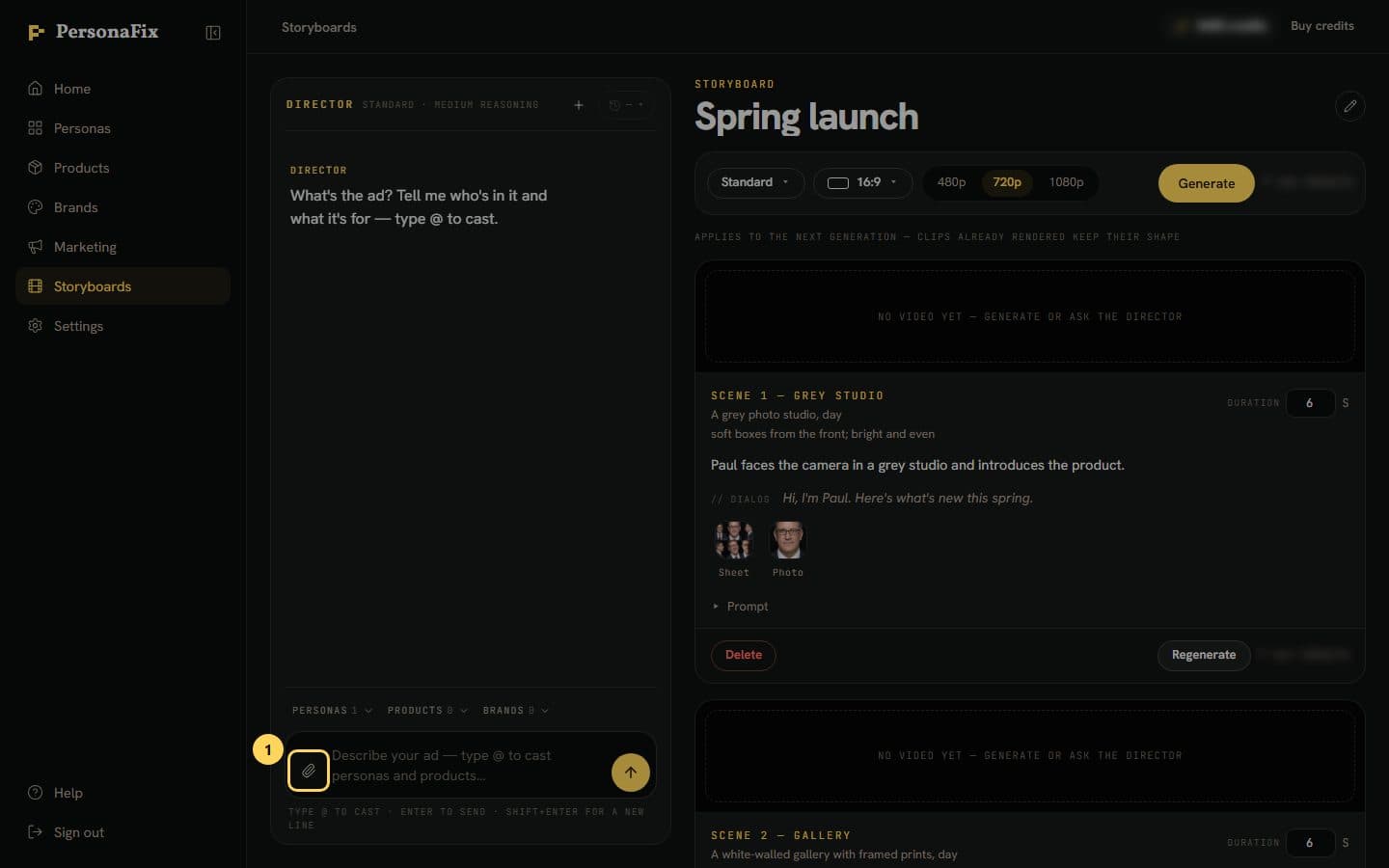
Step 1: Attach your files
In a storyboard's chat, press the paperclip by the message box. Add up to six photos or videos. Photos can be up to 20 MB, videos up to 50 MB.
Step 2: Confirm you may use them
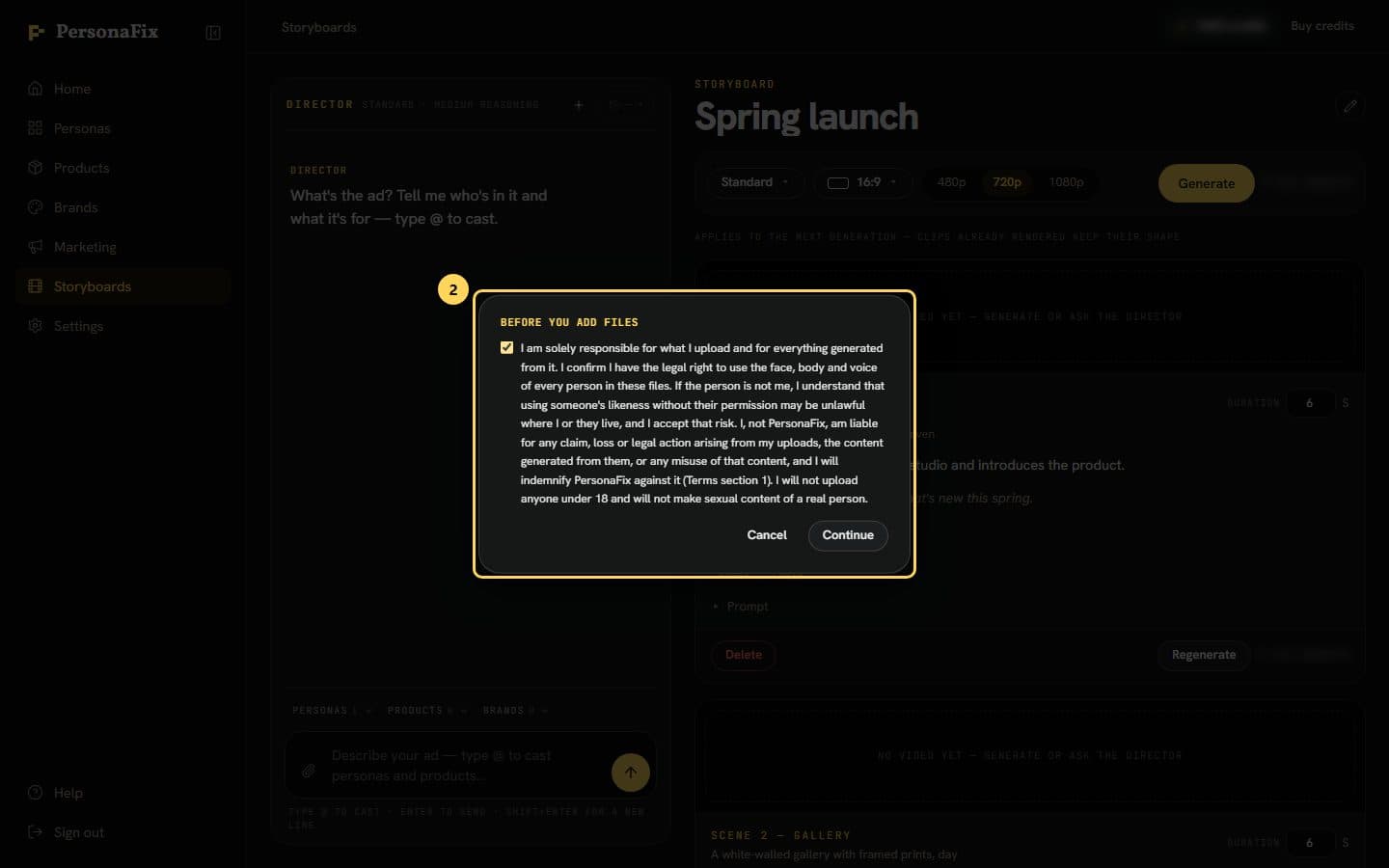
The first time, a box asks you to confirm you have the right to use everyone in your files. Tick it and press Continue. It asks only once.
Step 3: Say what each file is for
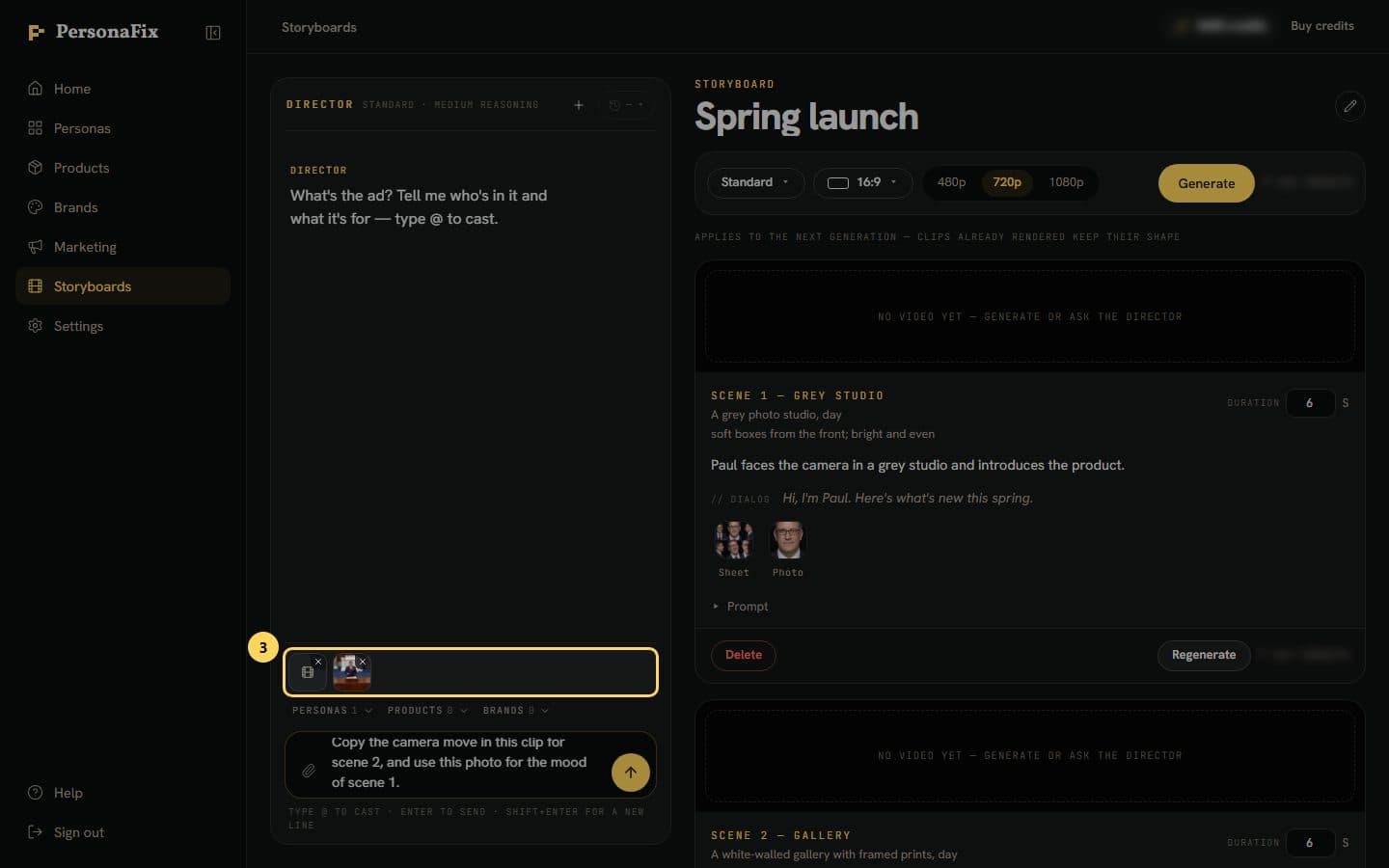
Send the files with a line, like copy the camera move in this clip, put Paul in place of the person in it, or extend this clip.
Step 4: See how each file was used
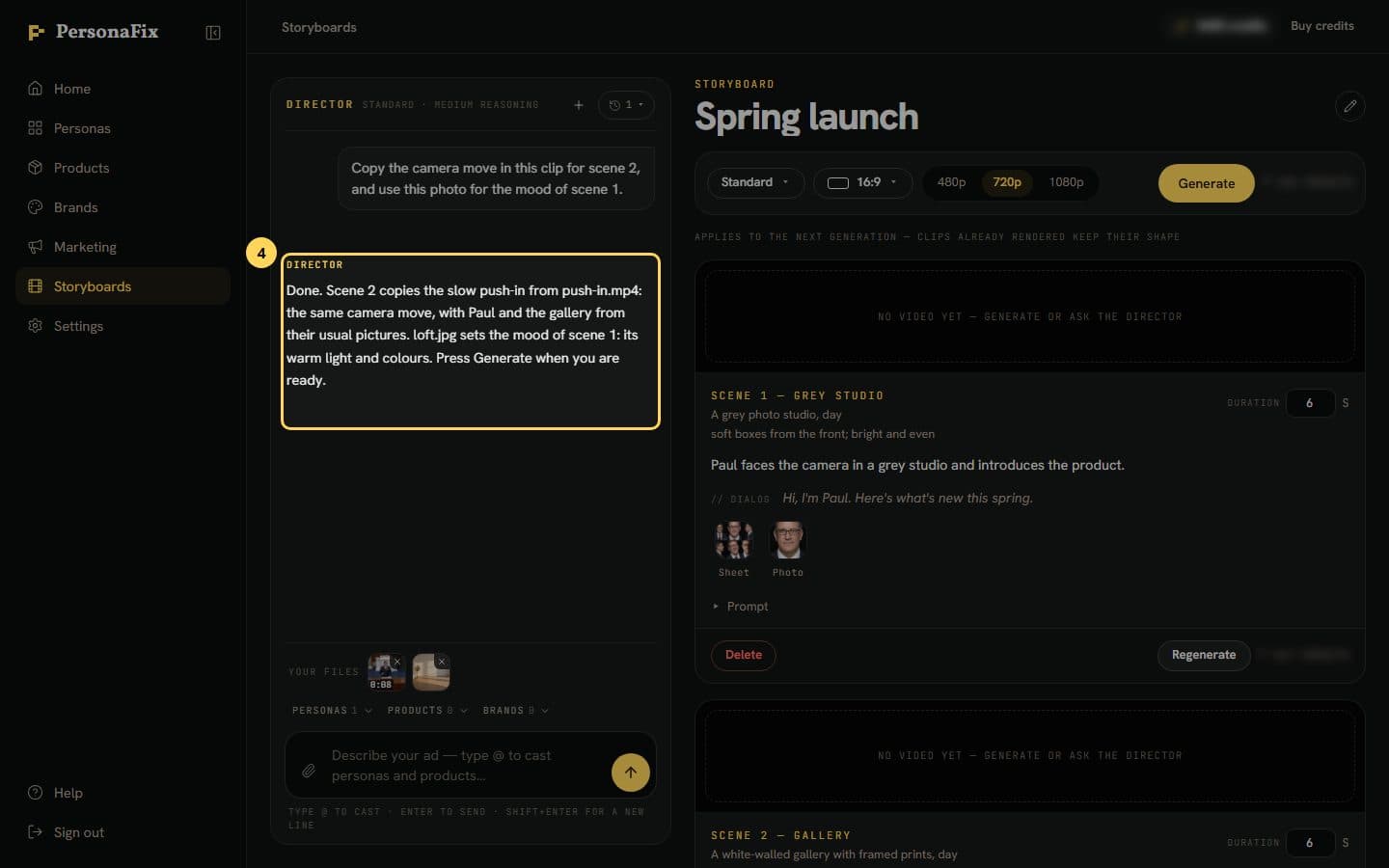
The chat says how it used each file. Your files stay above the message box. Hover over one to see its use, or press × to remove it.
If something goes wrong
- My clip was cut short.
- A clip can run 2 to 30 seconds. A longer one is trimmed to 30 seconds, and the chat says which part it kept.
- My clip was refused.
- Video models usually refuse a clip that shows a real person. A refused render costs nothing. Clips made in PersonaFix, or with no one in them, work best.
- The chat says this video model cannot use my clip.
- Not every video model can put your actor into a clip or extend one. The chat names one that can. Ask it to switch.
- How is a scene from my clip priced?
- Putting your actor into your clip is priced by the clip's length. Extending a clip is priced by the new part only. Generate shows the estimate first.
- A file says it could not be read.
- Remove it and try again with a JPEG, PNG or WebP photo, or an MP4, MOV or WebM video.
- Can I attach files to an ad?
- Yes. The Art Director has the same paperclip. A video there only sets the mood of the picture.
Still stuck? Contact support.